One white photo. Every shot that sells.
Soldvio Studio turns the white-background photo you already have into on-hand, lifestyle, model and colour-background images, sized for eBay and added to your listings in one click.
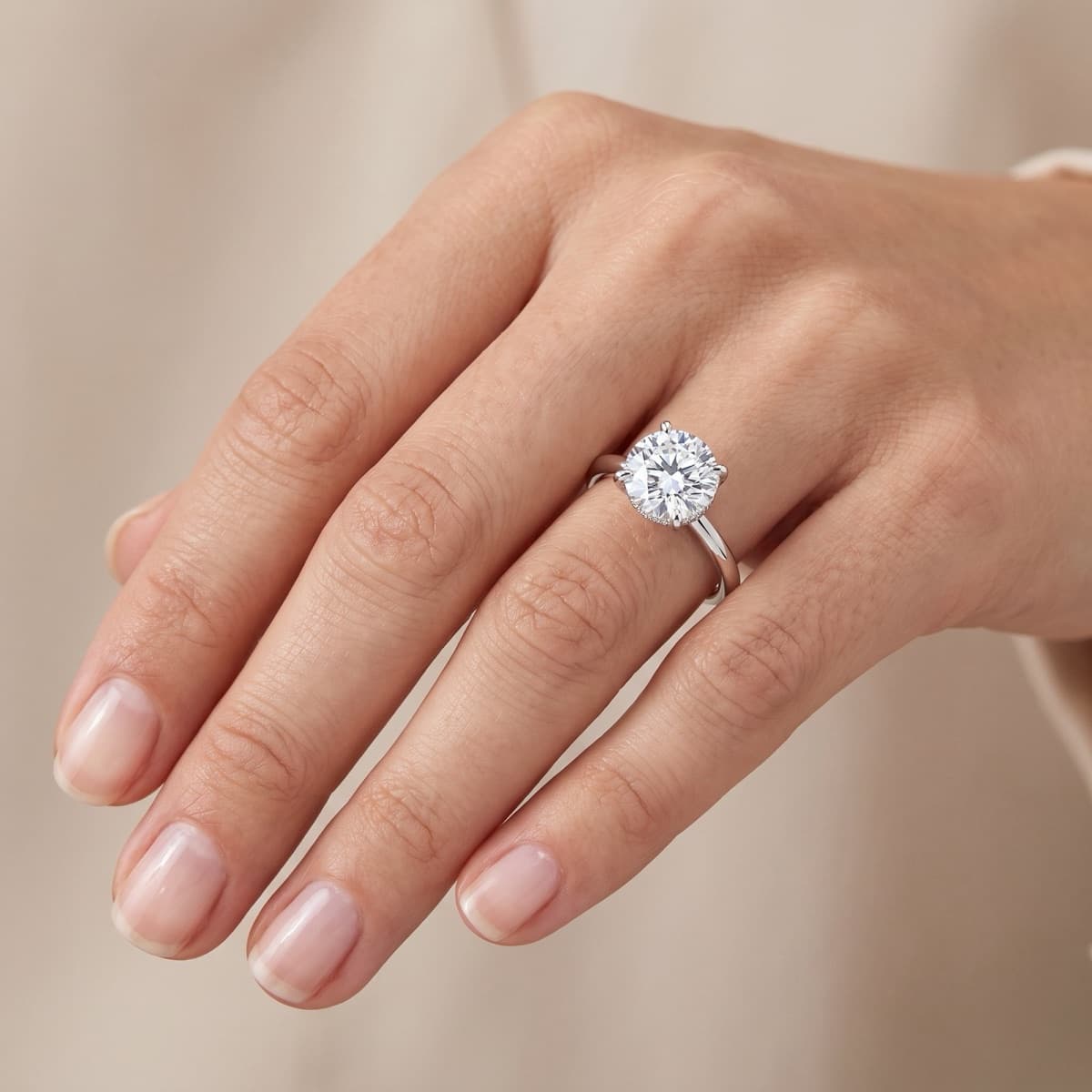
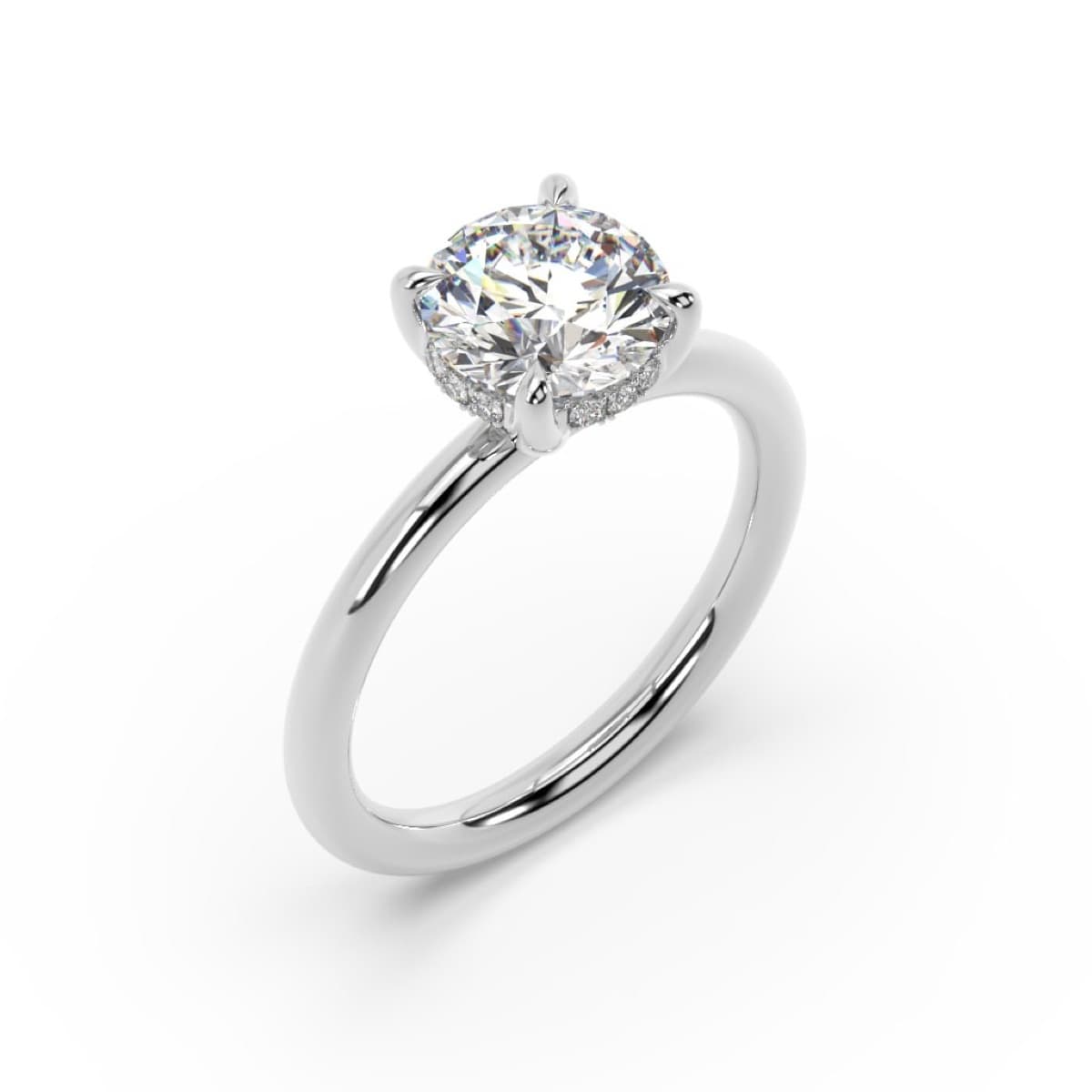
Drag to compare. A real listing photo and the on-hand image made from it.
Four looks from one photo
Every image below was made from a seller's ordinary white-background listing photo.
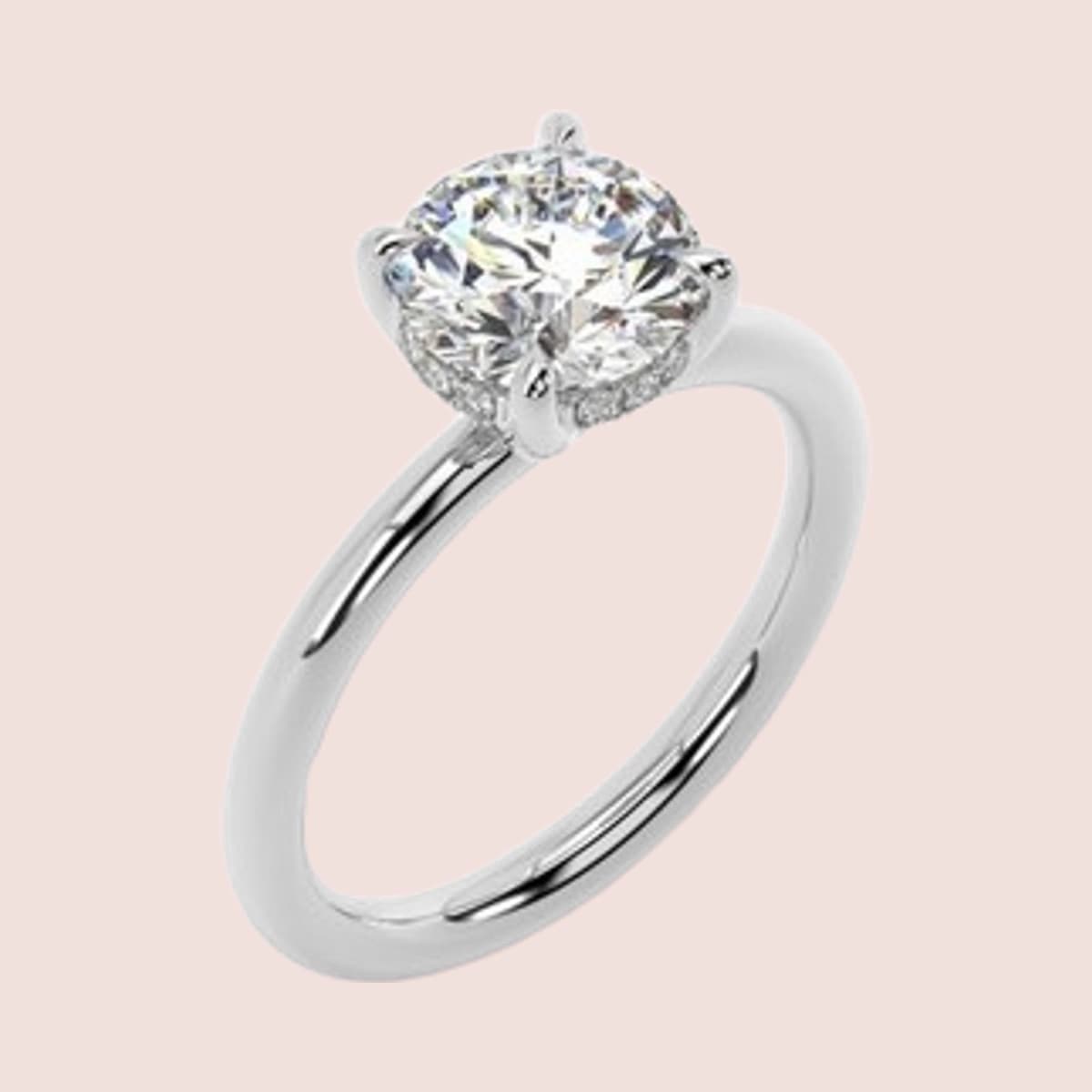
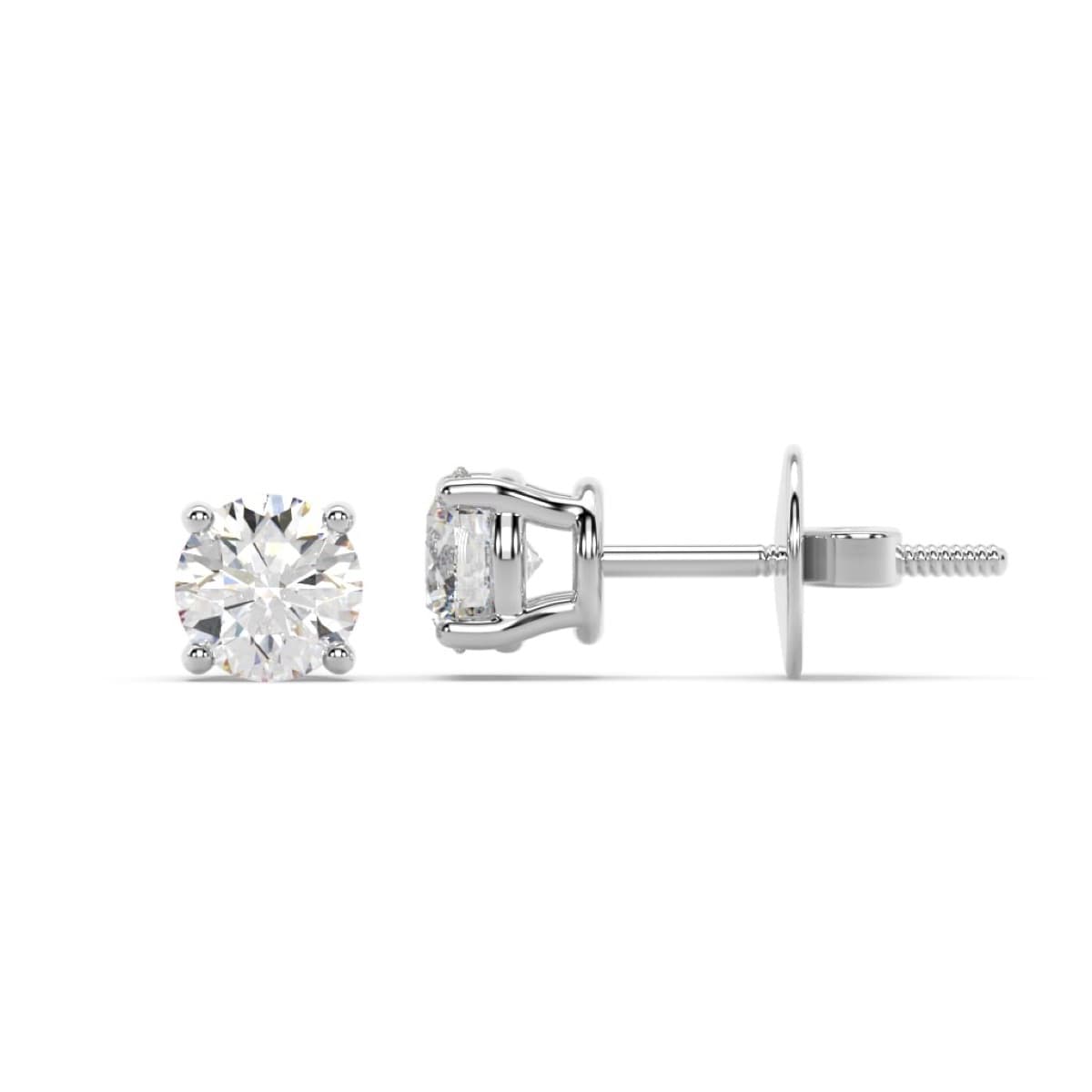
Plain colour background
Your own photo, cut out cleanly and set on a soft colour. Good for a consistent, branded gallery.
Keeps your real piece
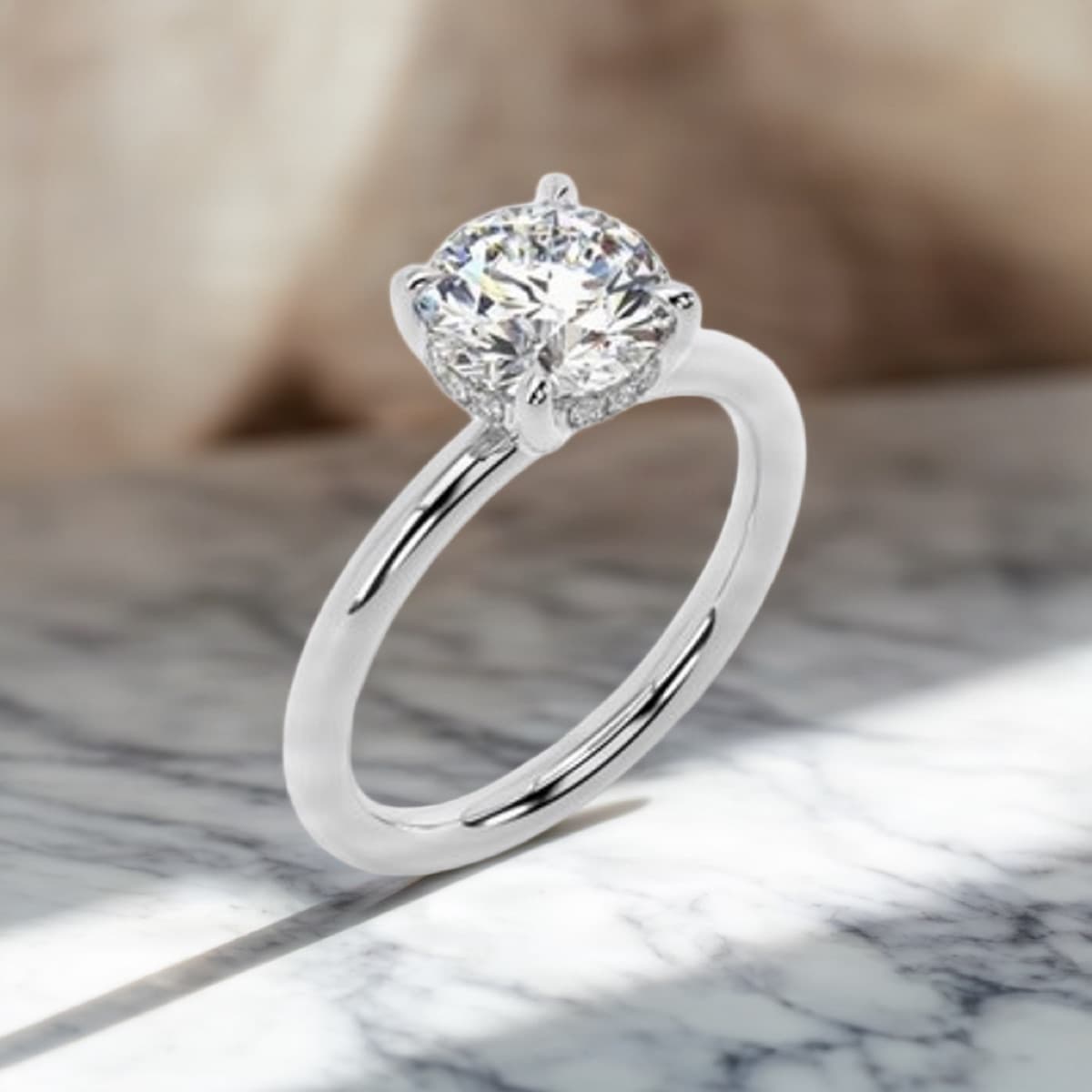
Lifestyle scene
Marble, velvet, a ring box, silk or your own idea, photographed with light and shadow that match. Gives buyers a reason to stop scrolling.
Drawn by AI, checked by you
On a hand
Shows scale and sparkle the way a buyer will see it. Choose skin tone and nails.
Drawn by AI, checked by you
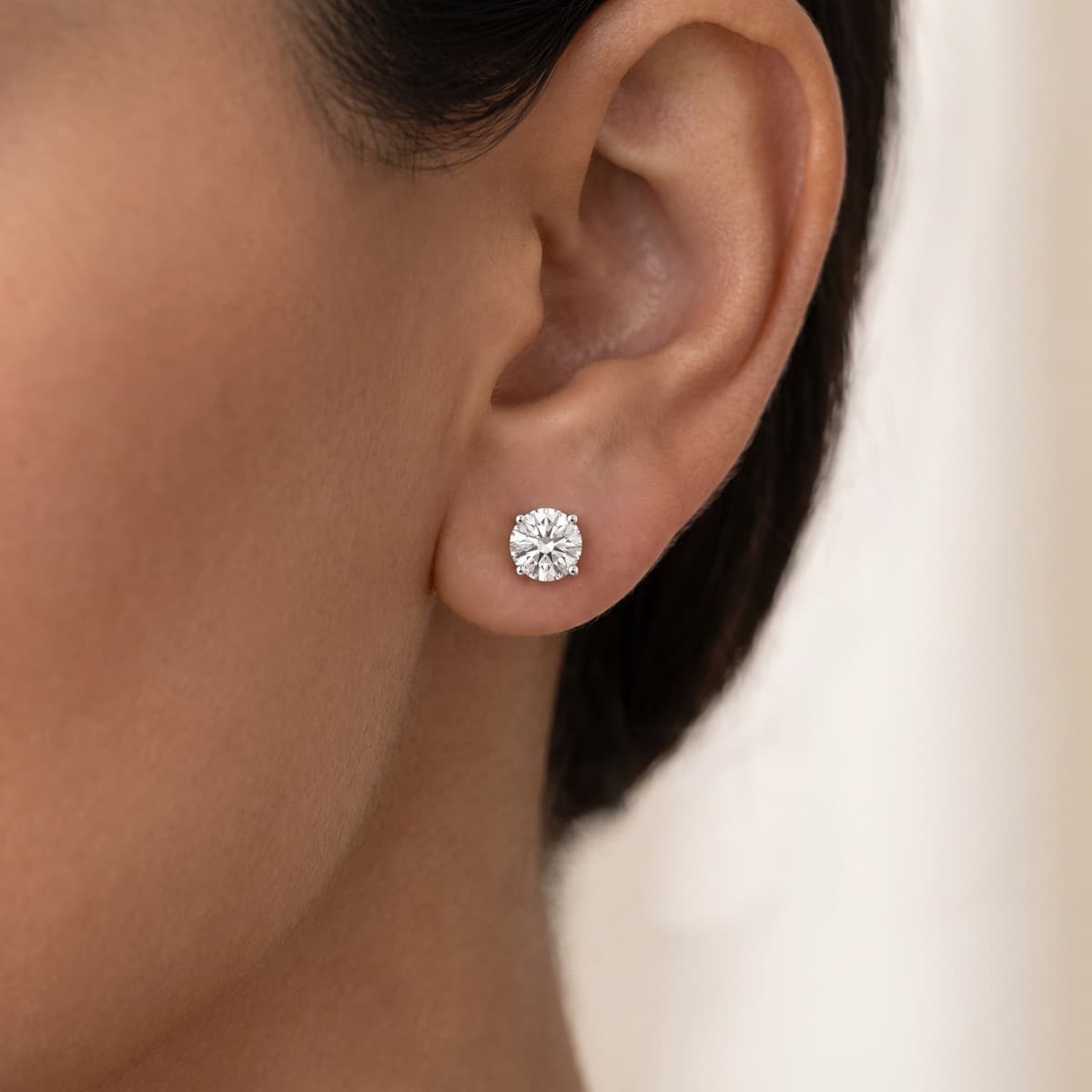
Worn by a model
Earrings, pendants and necklaces shown where they're worn, close up.
Drawn by AI, checked by you
How it works
- 1
Pick the listings
One piece, or a whole category: all your rings, all your studs.
- 2
Choose a look
A colour, a scene, a skin tone. Soldvio Studio finds each listing's white-background photo for you.
- 3
Check, then add to eBay
See every new image on one screen, untick any you don't like, and add the rest in one click.
Made for eBay, not just for looks
- Square by default, the shape eBay shows in search and on phones
- 1600 pixels, the size eBay recommends for zoom
- Added after your main photo, so your clean white shot still leads in search
- Full-size downloads for your website, Instagram and ads
Questions
- Will the AI change my piece?
- Plain-colour images keep your actual photo of the piece; only the background changes. Lifestyle scenes, on-hand and on-model images are drawn by AI from your photo so the piece really sits in the scene, and every one is checked against your photo before you see it; before one goes on a listing you also confirm that the stones, setting and metal match the real piece. A photo that differs from the item can lead to returns, so we make that check part of the process.
- Are the images the right size for eBay?
- Yes. Images are square by default, the shape eBay uses in search results and the gallery, and arrive at 1600 pixels, the size eBay recommends. Other shapes (portrait and landscape) are there for extra photos.
- Can I do a whole store at once?
- Yes. Tick the listings, choose one look, and Soldvio Studio makes an image for each from its white-background photo. You check them all on one screen and add the ones you keep to eBay in one click. Your white-background main photo stays first.
- What does it cost?
- Soldvio Studio is pay as you go: clients buy credits inside their Soldvio dashboard and each image uses one or two. Ask us for the current rates.
- Can I use the images outside eBay?
- Yes. Download the full-size file and use it on your website, Instagram or in ads.
See what your store could look like
Start with a free audit of your eBay store: a written report within 24 hours on titles, item specifics, photos and prices. Soldvio Studio comes with every Soldvio plan, pay as you go.
Get a free store audit